Account Setup Guide
This guide walks you through setting up your account: creating it, configuring and activating connectors, and preparing your environment for integration development. Let’s get started!
Step 1: Create Your Account
Go to https://app.unizo.ai/sign-up and fill in your information:
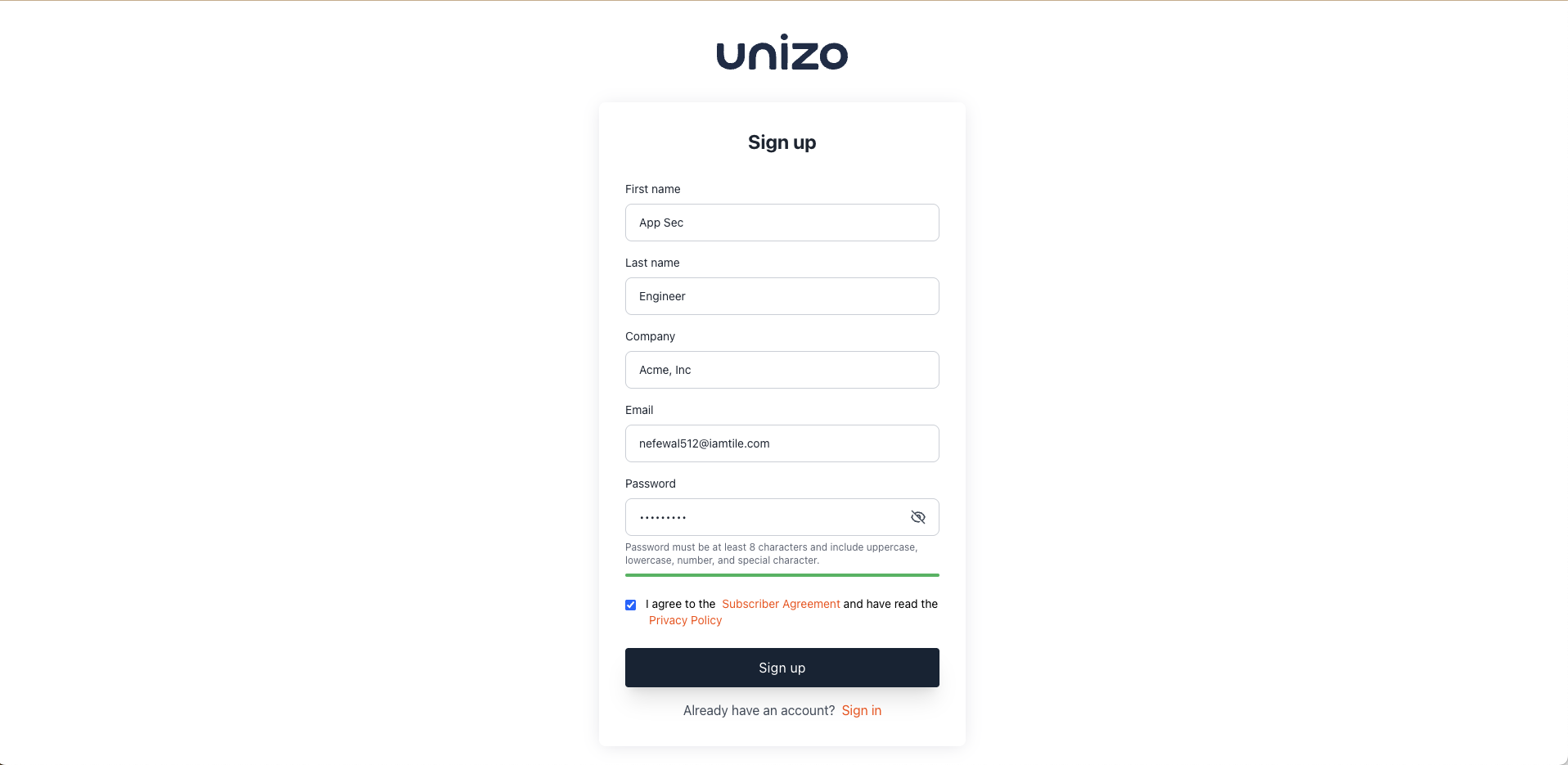
Fill in your details to create your Unizo account
Required Information:
- First Name
- Last Name
- Company Name
- Email Address
- Password (minimum 8 characters; include uppercase, lowercase, number, and special character)
Unizo offers a special startup program with exclusive benefits. If you're building a startup, consider applying at https://app.unizo.ai/startup-signup for enhanced features and support.
Step 2: Email Verification
After signing up, verify your email:
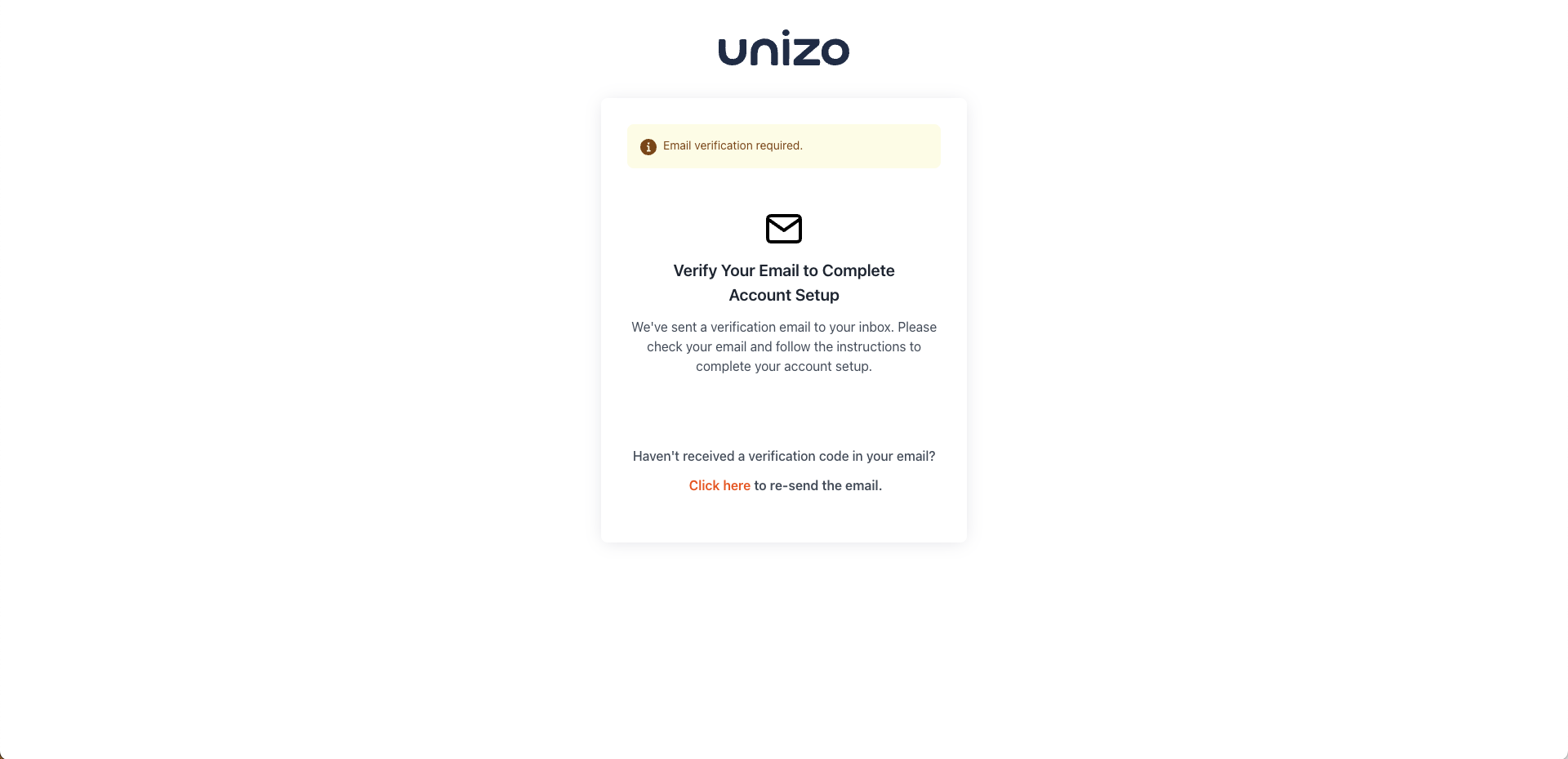
Check your inbox for the verification email
- Check your inbox for the verification email
- Click the verification link provided
- If you don’t receive it, click "Click here" to resend
- Note: The link expires after 24 hours
Guided Onboarding Process
Step 3: Choose Integration Categories
Select up to your relevant integration categories:

Select the categories that best match your needs
Available Categories:
- Source Code (GitHub, GitLab, Bitbucket)
- Ticketing (Jira, ServiceNow, SalesForce)
- Packages & Container Registry (Jfrog, Docker, AWS)
- Communications (Slack, Teams)
- Incident Management (PagerDuty, Opsgenie)
- Vulnerability Management (Mend, Semgrep, Tenable, Aikido, Jfrog Xray)
- Observability (Datadog, New Relic)
- Identity (Okta, Auth0)
- And more...
You can request an upgrade anytime to access more categories in the future.
Step 4: Select Integration Connectors
Choose specific connectors within your selected categories:
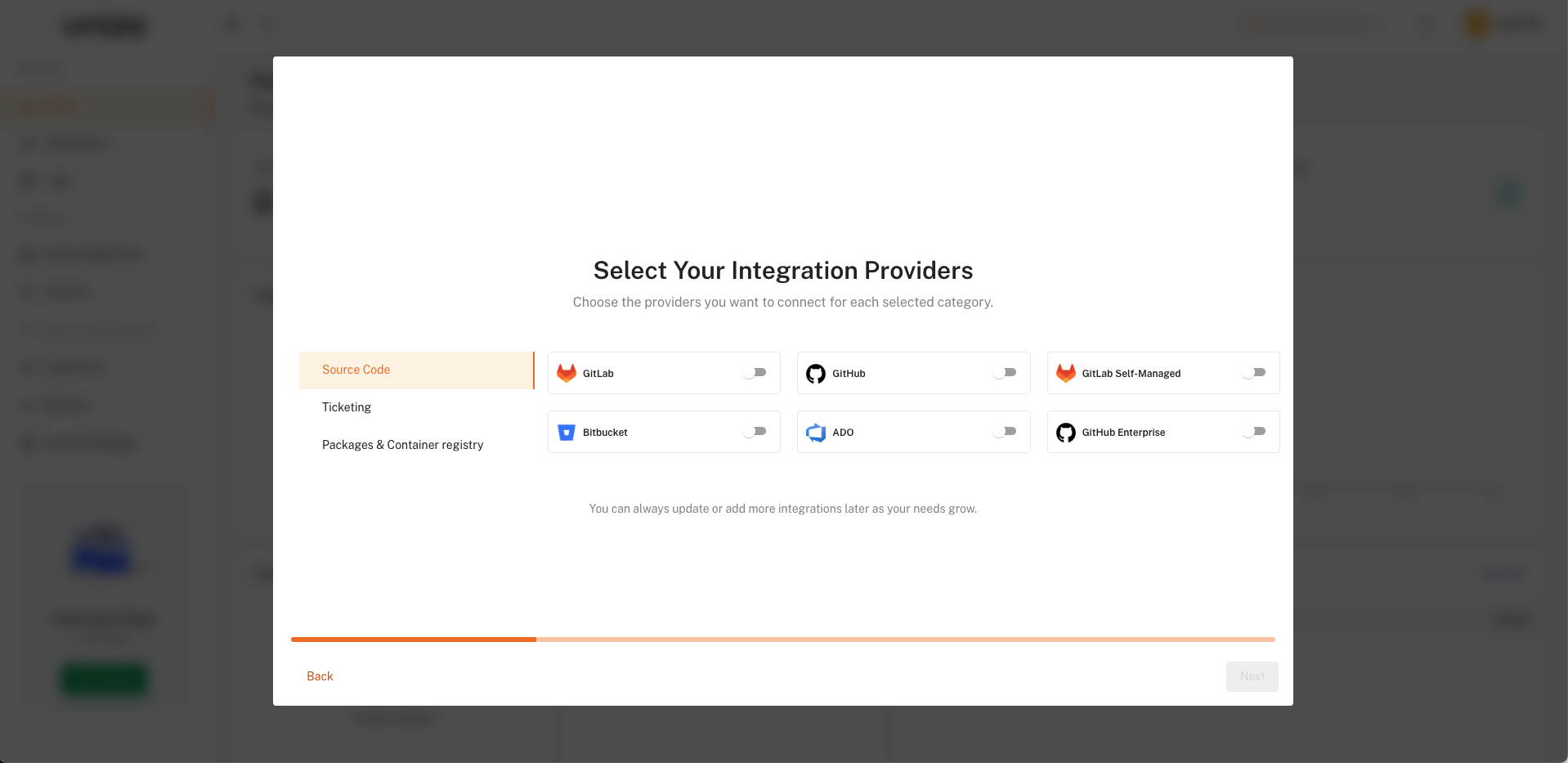
Enable the specific connectors you want to connect
- Select connectors you plan to use
- You can add or remove connectors later as needed
Step 5: Account Setup will be completed by creating your account

Creating Account
Your Dashboard
After setup, you will land on your quick-start dashboard:
Your 15-day trial is now active
For additional support, contact us at [email protected].