Health Checks
The Health Checks feature in the Unizo Console allows you to monitor the status of your configured integrations and ensure they are functioning as expected. It provides configuration options and visual monitoring tools.
Accessing Health Check from Unizo Console
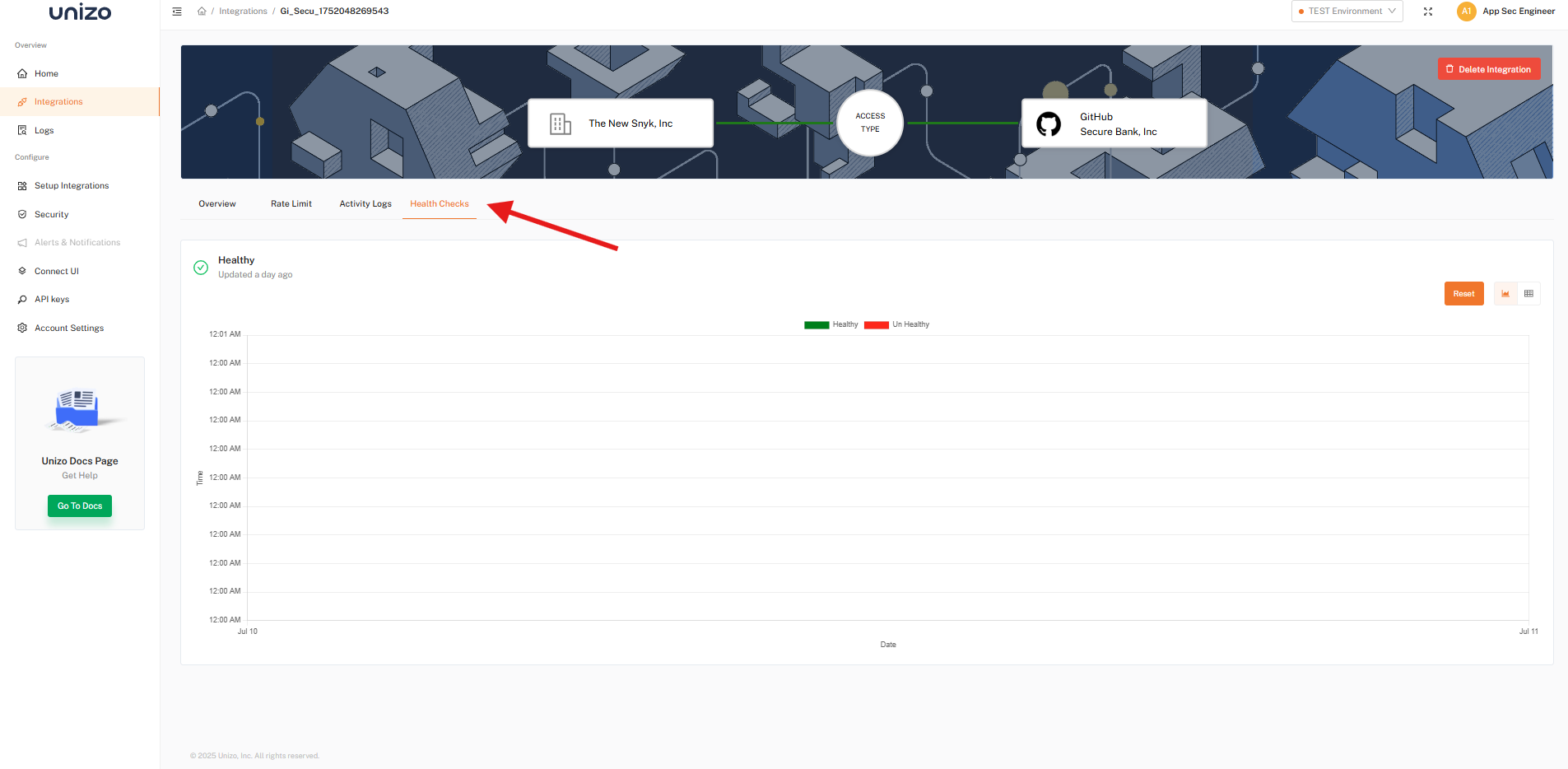
Health Check Monitoring
- In the Unizo Console, navigate to Integrations from the sidebar.
- Click on any integration to access detailed activity data, including health check details.
- Integration health chart displays status over time, using the following indicators:
| Status | Description |
|---|---|
| 🟩 Green | Healthy - Integration is functioning normally |
| 🟥 Red | Unhealthy - Integration has issues or is down |
For additional support, contact our team at [email protected].