How to integrate a Checkmarx SCA account
Overview
To authenticate and integrate with Checkmarx SCA, you will need the following information:
- Username
- Password
- Account Name
Step 1: Log in to the Checkmarx SCA Portal
- Sign in to your Checkmarx SCA account.
- Log in using your registered email address and password.
Step 2: Get Checkmarx SCA Username (Email)
- After logging in, click on your profile icon in the top-right corner.
- Navigate to Profile or Account Settings.
- Locate your Email Address.
- Copy this email address — this will be used as your Username for integration.
Step 3: Set or Verify Your Password
- Use the password you normally use to log in to the Checkmarx SCA portal.
- If you do not remember your password:
- Click Forgot Password on the login page.
- Follow the instructions sent to your registered email.
- Ensure your password is active and valid, as it will be required for authentication.
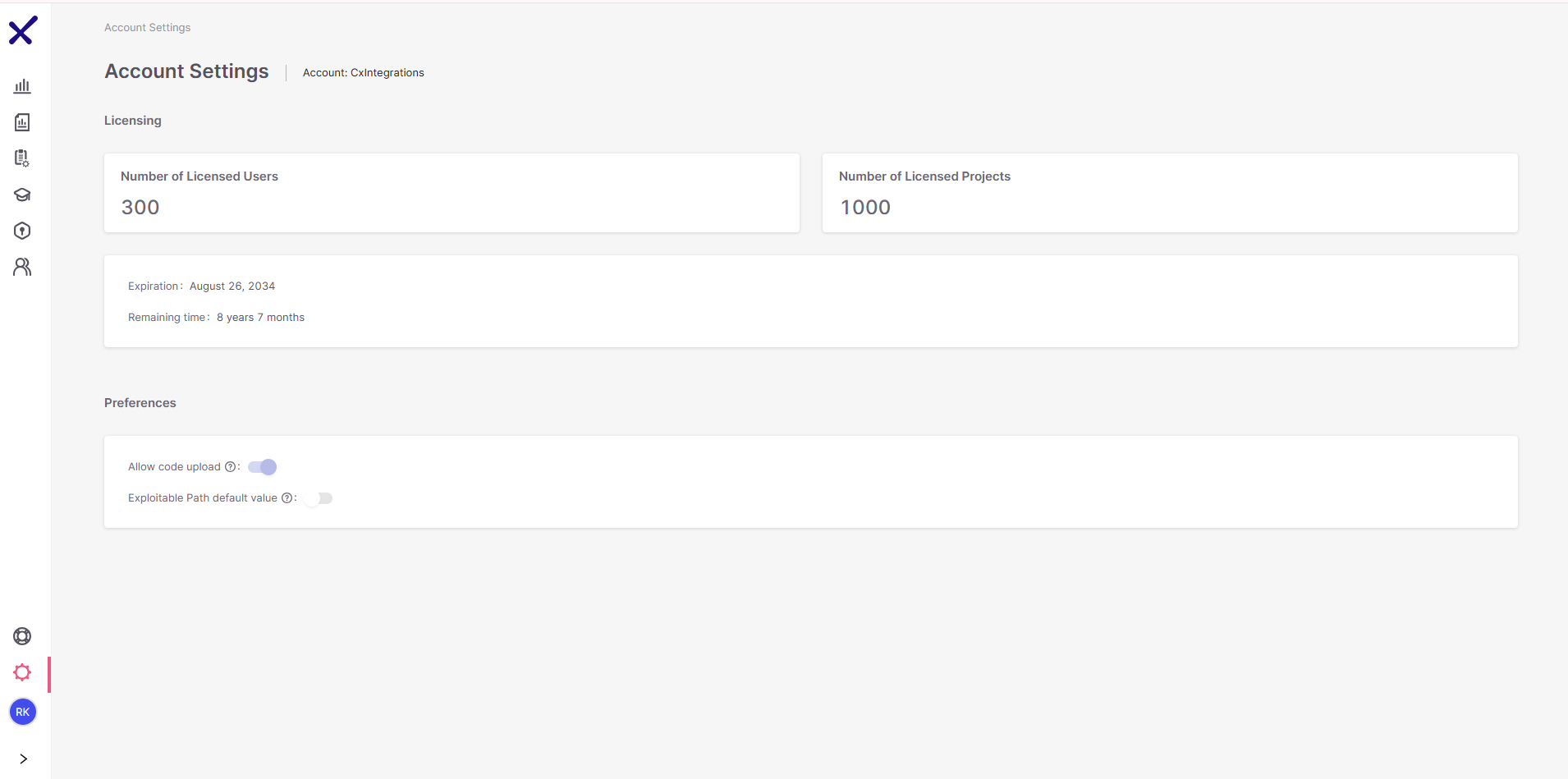
Step 4: Obtain the Account Name
- Navigate to Account Settings → License
- Copy your Account Name