How to integrate Freshservice account?
Overview
To authenticate, you will need to provide the following information:
- Domain
- API Key
Step 1: Get Your Domain
-
Sign Up / Log In – Go to Freshworks and sign up for a Freshservice account or log in to your existing account
-
Identify Your Domain – Your Freshservice domain is the URL you use to access your Freshservice portal. It follows the format:
https://<your-domain>.freshservice.com -
Copy the Domain – Note down your full instance URL (e.g.,
https://mycompany.freshservice.com)
Step 2: Generate an API Key
- Log In to Freshservice – Open your Freshservice instance and sign in with an Administrator or Agent account
-
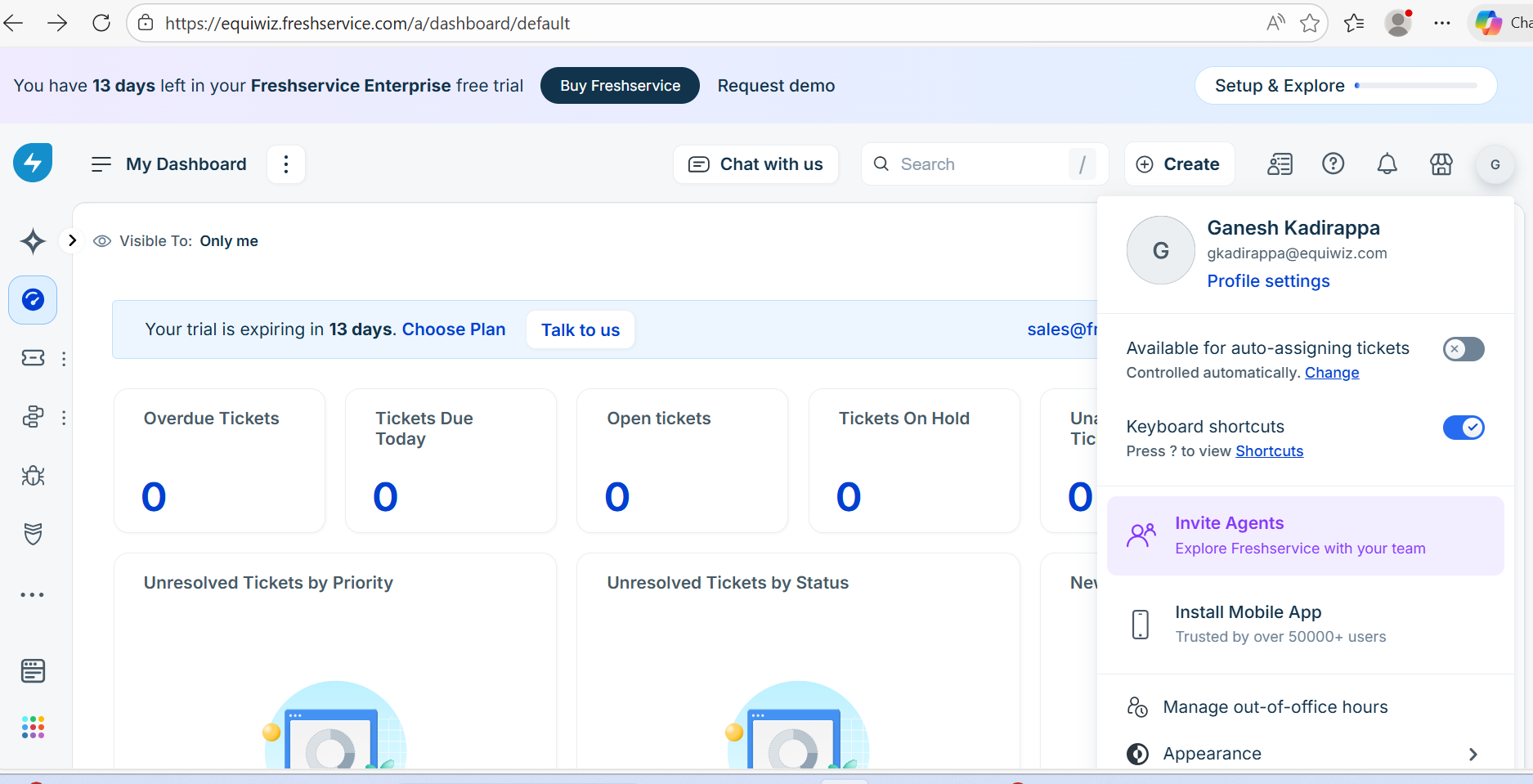
Open Profile Settings – Click on your profile icon in the top-right corner, then select Profile Settings
-
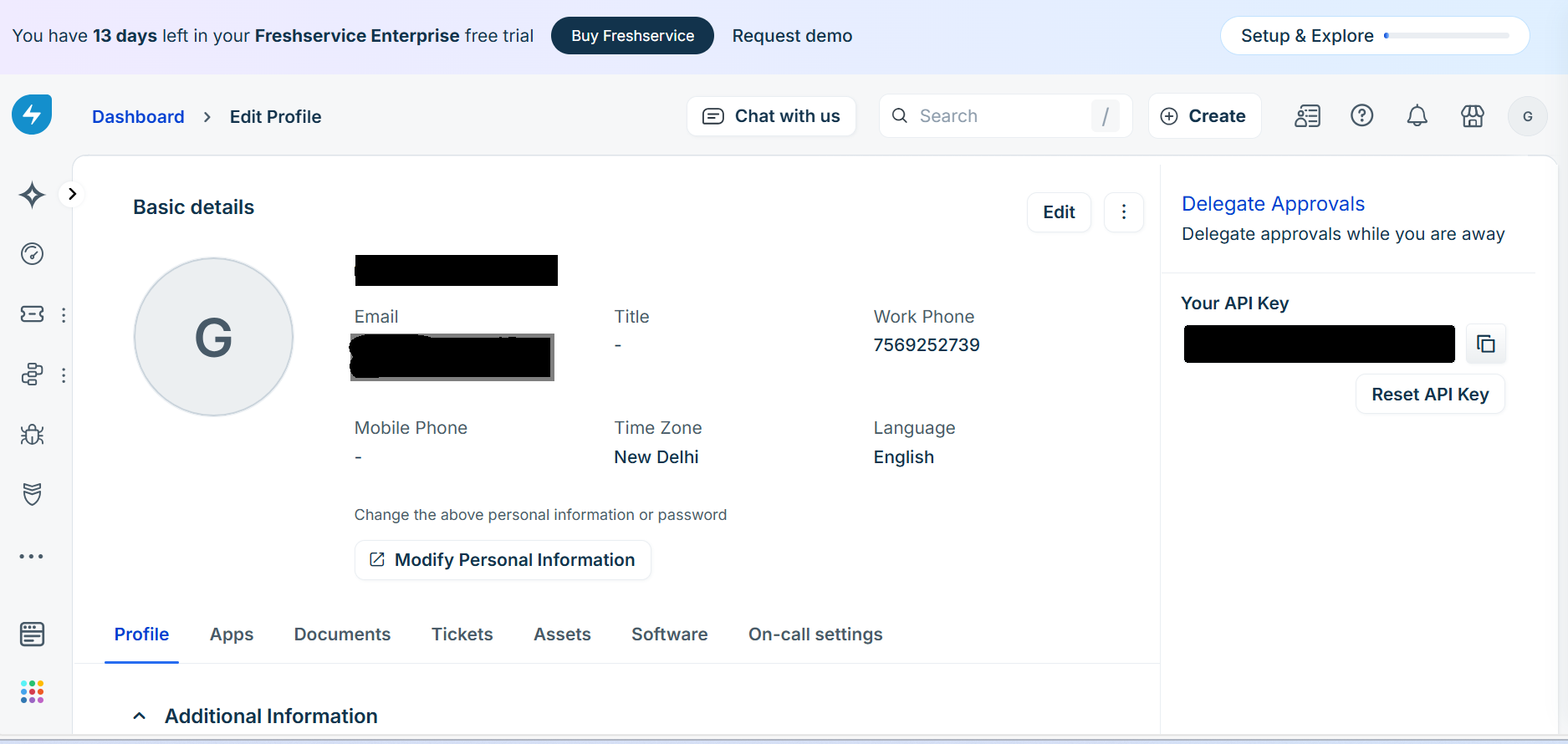
Locate API Key – On the right side of the profile settings page, you will find your API Key displayed under the Your API Key section
-
Copy the API Key – Click on the API key to reveal it, then copy and store it securely