How to integrate RunZero account?
Overview
To authenticate, you will need to provide the following information:
- Client ID
- Client Secret
Step 1: Get Your Client ID and Client Secret
-
Sign Up / Log In – Go to RunZero Console and sign up for a RunZero account or log in to your existing account
-
Navigate to API Clients – Once logged in, go to Account > API Clients in the left-hand navigation menu
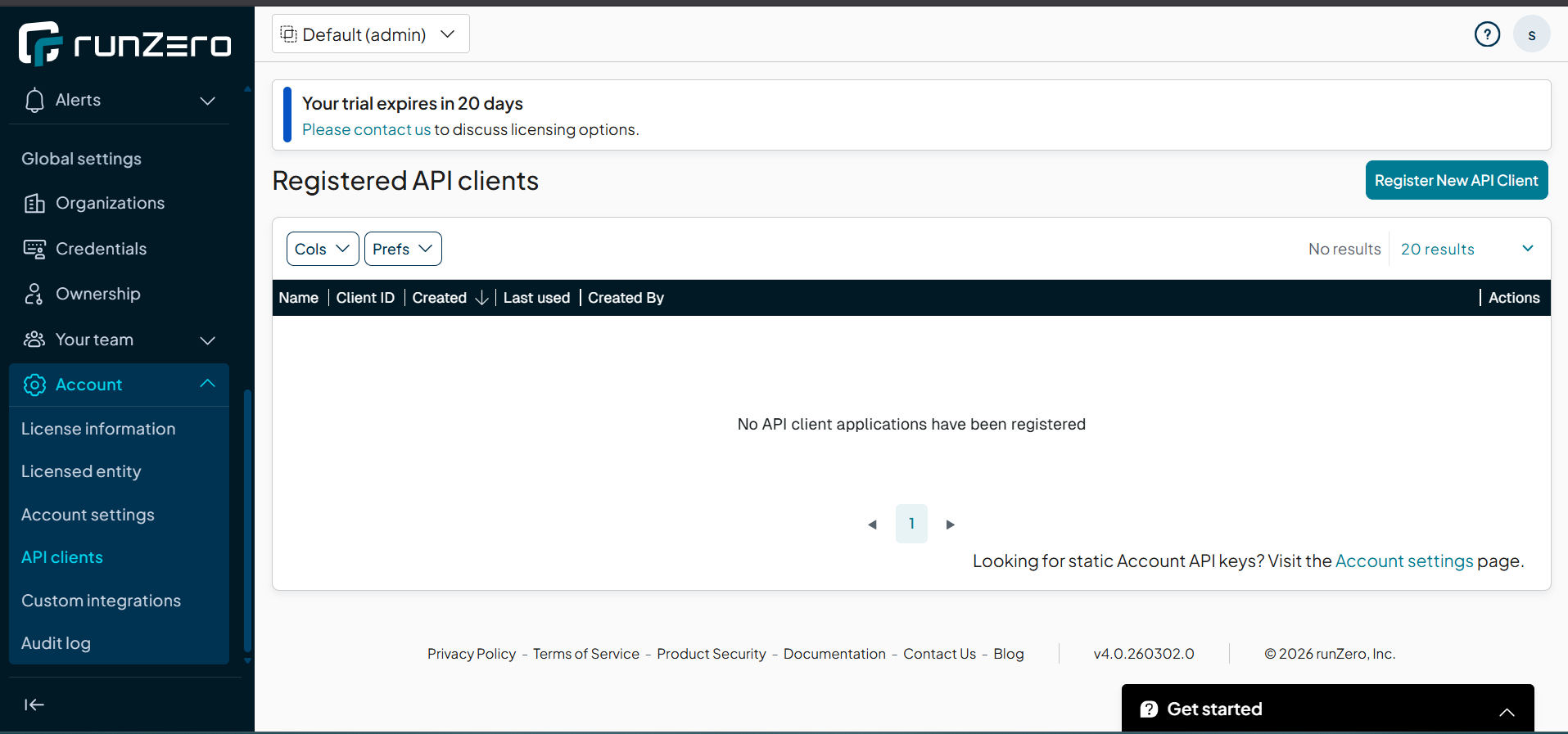
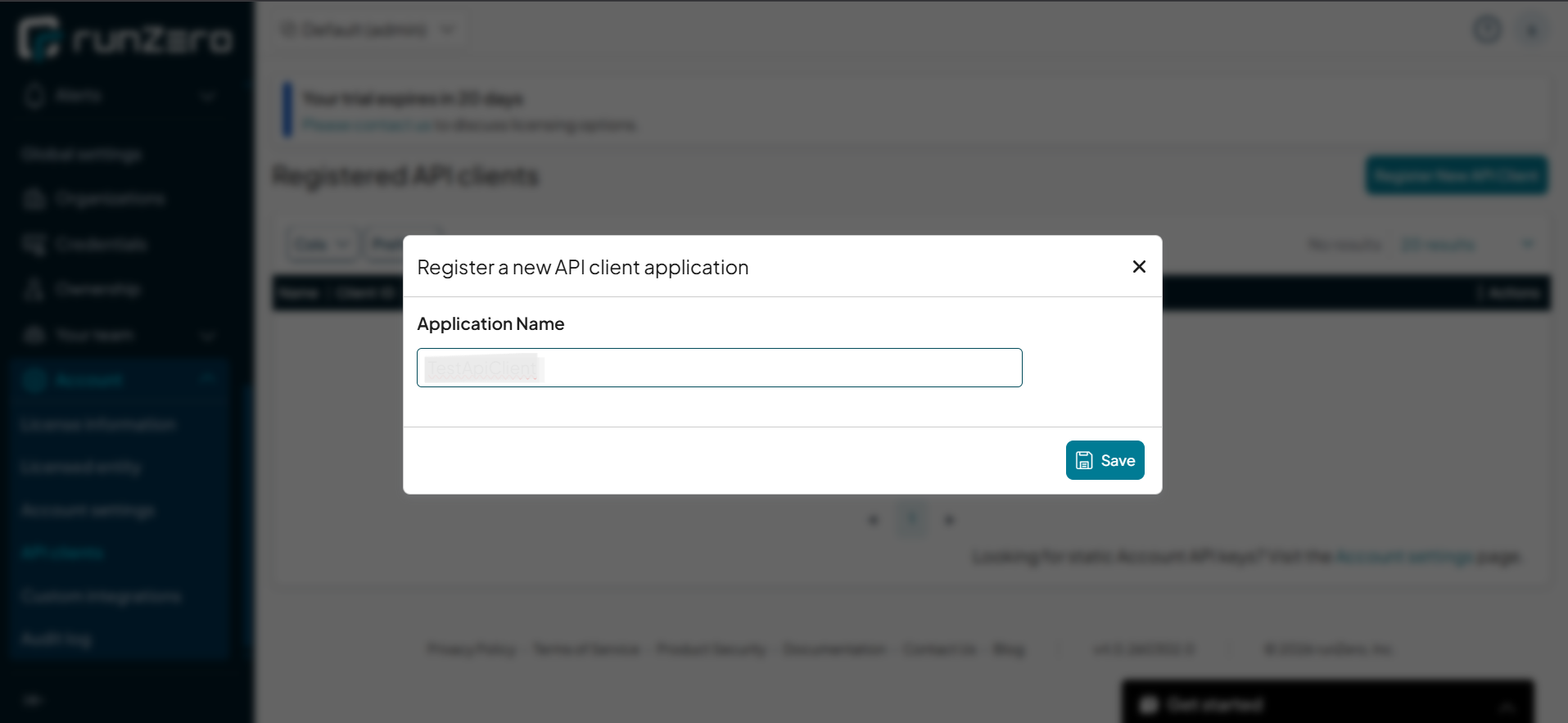
- Create a New API Client – Click Register New API Client and provide a descriptive name for your integration (e.g., "Unizo Integration")
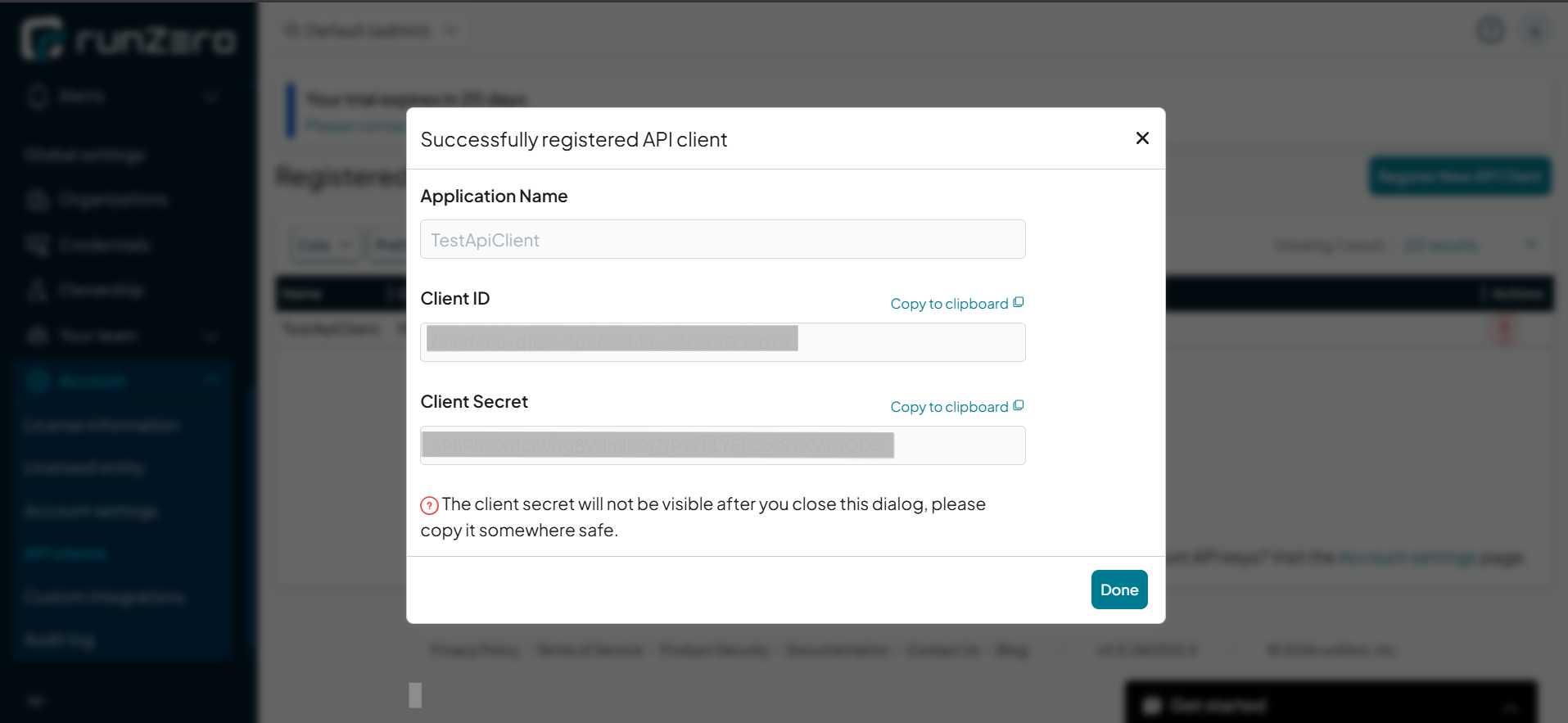
- Copy Credentials – After creating the API client, you will be presented with:
- Client ID – Copy and store this value securely
- Client Secret – Copy and store this value securely. Note that the Client Secret is only shown once at creation time